This option will allow Stock Items to be scanned into the Kiosk Sale.
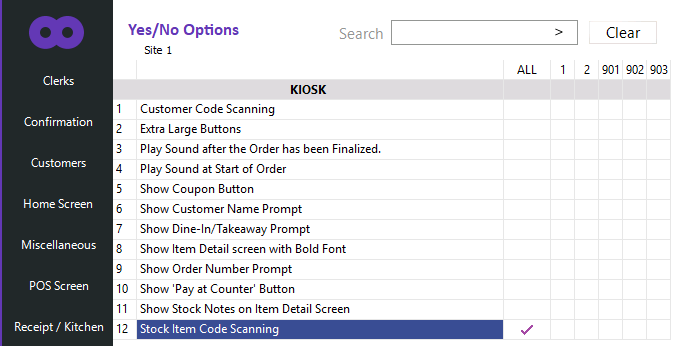
To configure this option, go to: Back Office > Setup > Yes/No Options > Kiosk > Enable "Stock Item Code Scanning".
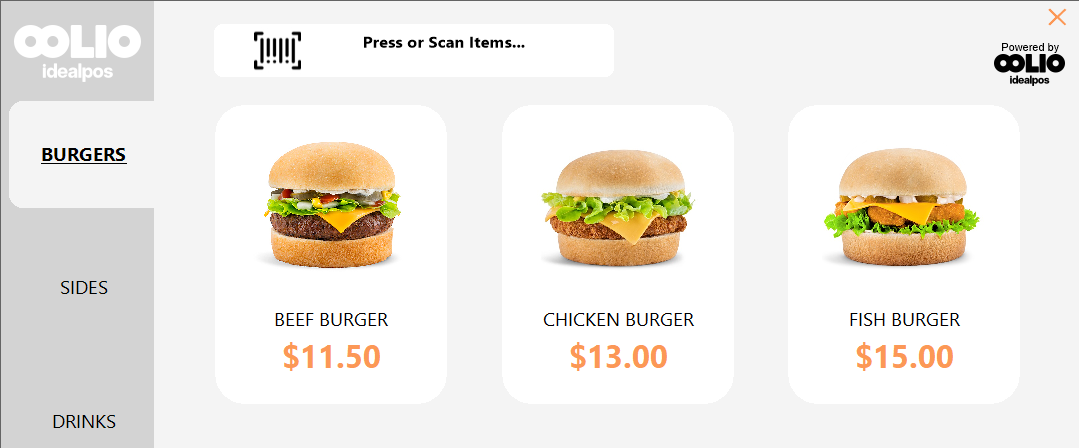
After enabling the option, the Kiosk will display a "Press or Scan Items..." button at the top of the screen.
Using the barcode scanner connected to the Kiosk, Items can be scanned at any time.
The button can also be pressed, followed by scanning a barcode which will add the item to the Kiosk Sale.